Max Online Tools

Free online tools for audio, video, files and hardware. Everything runs inside your browser: nothing to install, no sign-up, and your files are never uploaded.
/

Categories

At the moment we have 27 online tools, organized in 6 categories:
Audio toolsVideo editor toolsVideo effectsBrowser toolsFile toolsHardware test tools

Tags

Find online tools by tag.
AudioVideoBrowserFileHardware

Audio tools

Tone Generator

Play pure tones directly in your browser and download the generated audio as a WAV or MP3 file.

White Noise Generator

Generate white noise and play it directly in your browser, or download it as a WAV or MP3 file.

Noise Generator

Generate white, pink, brown, blue, violet, grey, green and black noise, play it in your browser or download it as a WAV or MP3 file.

Sound Effect Generator

Generate free sound effects for games, videos and apps, and download them as WAV or MP3 files.

Shepard Tone Generator

Play the Shepard tone, the auditory illusion of a sound that rises or falls forever, and download it as a WAV or MP3 file.
Synthesizer

Synthesizer

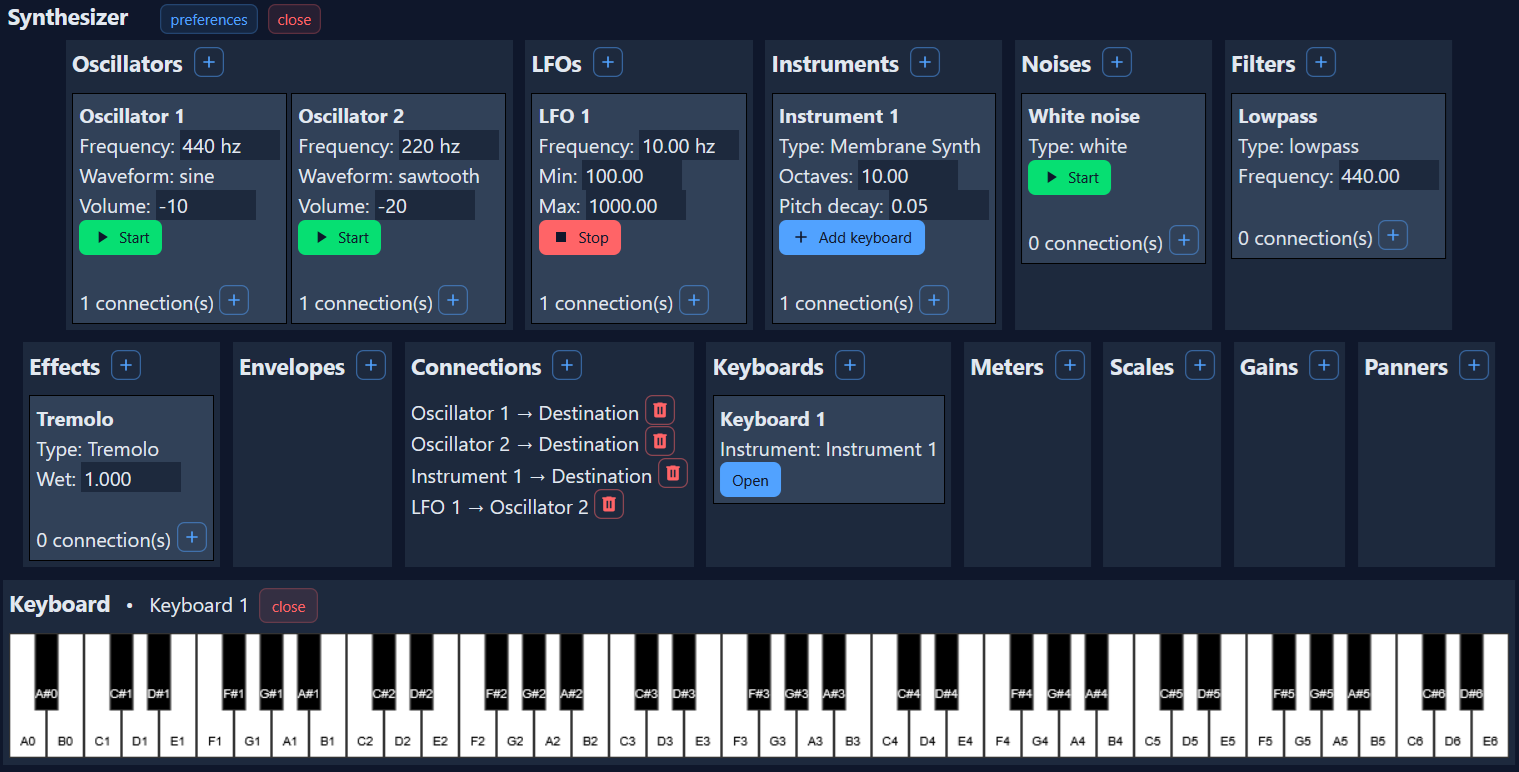
Online modular synth with oscillators, LFOs, instruments, noises, filters and effects. Play it, record it and download the audio as WAV or MP3.

Step Sequencer

Create drum beats and melodies on a grid, play them in a repeating loop and download them as a WAV or MP3 file.

Change Audio Speed

Speed up or slow down an audio file in your browser, listen to the result and download it as a WAV or MP3 file.

Reverse Audio

Play any audio file backwards in your browser and download the reversed audio as a WAV or MP3 file.

Video editor tools

Add Audio to Video

Add music or any audio to a video, replacing or mixing with the original sound, without losing video quality.

Trim Video (lossless)

Cut a part of a video without re-encoding it: no quality loss, done in seconds, right in your browser.

Remove Audio from Video

Mute a video by removing its sound, without re-encoding it: no quality loss, done in seconds, right in your browser.

WebM to MP4

Convert WebM videos to MP4: H.264 + AAC to play everywhere, or lossless in seconds, right in your browser.

Add Watermark to Video

Put your logo, an image or a text on a video, in a corner or repeated across it, for the whole video or a few seconds.

Reverse Video

Play a video backwards: reverse the picture, with the sound reversed too, kept as it is or removed, and download an MP4.

Merge Videos

Join two or more videos into one MP4, in the order you want, without re-encoding when they come from the same camera.

Video effects

Motion Extraction

Make only the movement in a video visible: everything still turns gray, and everything that moves lights up.

RGB Split Video Effect

Split the red, green and blue layers of a video, shifting them in space and delaying them in time.

CRT Video Effect

Make a video look like an old tube TV or retro monitor, with scanlines, curved glass and a phosphor mask.

Content Aware Scale Video

Make content aware scale meme videos: every frame is squeezed with seam carving and stretched back, so faces melt.

Slit-Scan

Turn one direction of a video into time: stretch moving things with the slit-scan effect, or make a photo finish picture.

Video Edge Detection

Find the edges in every frame of a video with Canny, Sobel, Laplacian of Gaussian or XDoG, and turn videos into line art.

Browser tools

Check Browser Info

Check every information your browser reveals: user agent, screen, device pixel ratio, geolocation, permissions, supported features and much more.

WebGPU Test

Check if WebGPU works in your browser, see your GPU, its features and limits, and run rendering and compute tests.

File tools

File Metadata Viewer

See the hidden metadata of any file: EXIF and GPS location of photos, ID3 tags of music, author of documents and more.

Hardware test tools

Gamepad Tester

Test your gamepad, joystick or controller online: buttons, analog sticks, triggers, stick drift and vibration.

Webcam Tester

Test your webcam online: see the image, check the resolution and the frame rate, take a photo and test your microphone.

Suggest a tool

You can suggest a tool by filling this form.

We are frequently adding new tools to the website.